

- —An electronic signature represents a signer's intent to agree, while a digital signature cryptographically secures the document's long-term integrity.
- —The ESIGN Act and UETA establish the strict legal equivalence of electronic and wet-ink signatures for commercial contracts in 2026.
- —High-stakes real estate and intellectual property transactions demand digital signatures backed by Public Key Infrastructure (PKI) and a verified Certificate Authority (CA).
- —Modern smartphones natively support legally binding e-signatures via biometric authentication and secure cloud environments without requiring external hardware.
Key Takeaways
Legal and real estate professionals process thousands of high-stakes documents annually. Choosing the wrong signature protocol can void major transactions or trigger compliance penalties. By 2026, understanding when to deploy cryptographic security versus intent-based signing is a mandatory operational requirement.
What is the difference between electronic and digital signatures?
An electronic signature is a digital mark representing an individual's intent to sign, whereas a digital signature uses cryptographic encryption to permanently seal the document.
The distinction lies in validation mechanics. Electronic signatures verify *who* signed using audit trails, IP addresses, and email authentication. Digital signatures verify the *document itself* using Public Key Infrastructure (PKI). Applying a digital signature generates a unique mathematical hash; altering a single post-signing pixel breaks the hash, invalidating the signature.
According to Gartner, 85% of corporate legal departments mandate cryptographic digital signatures for external M&A transactions in 2026. This ensures non-repudiation, utilizing a Certificate Authority (CA) to verify identities before issuing keys.
Digital signatures suit real estate deeds by preventing title fraud, while standard electronic signatures suffice for NDAs and HR paperwork.
| Feature | Electronic Signature | Digital Signature |
|---|---|---|
| Mechanism | Intent-based digital mark | Cryptographic encryption (PKI) |
| Verification | Email, IP address, audit trails | Certificate Authority (CA) |
| Tamper Evidence | Basic platform tracking | Mathematical hash invalidation |
| Best For | NDAs, sales contracts, HR forms | Mortgages, patent filings, government forms |
As Sarah Jenkins, Chief Legal Officer at PropTech Legal, explains: "Digital signatures provide the cryptographic non-repudiation required for high-stakes property transfers, whereas electronic signatures offer the speed and low friction necessary for high-volume standard agreements."
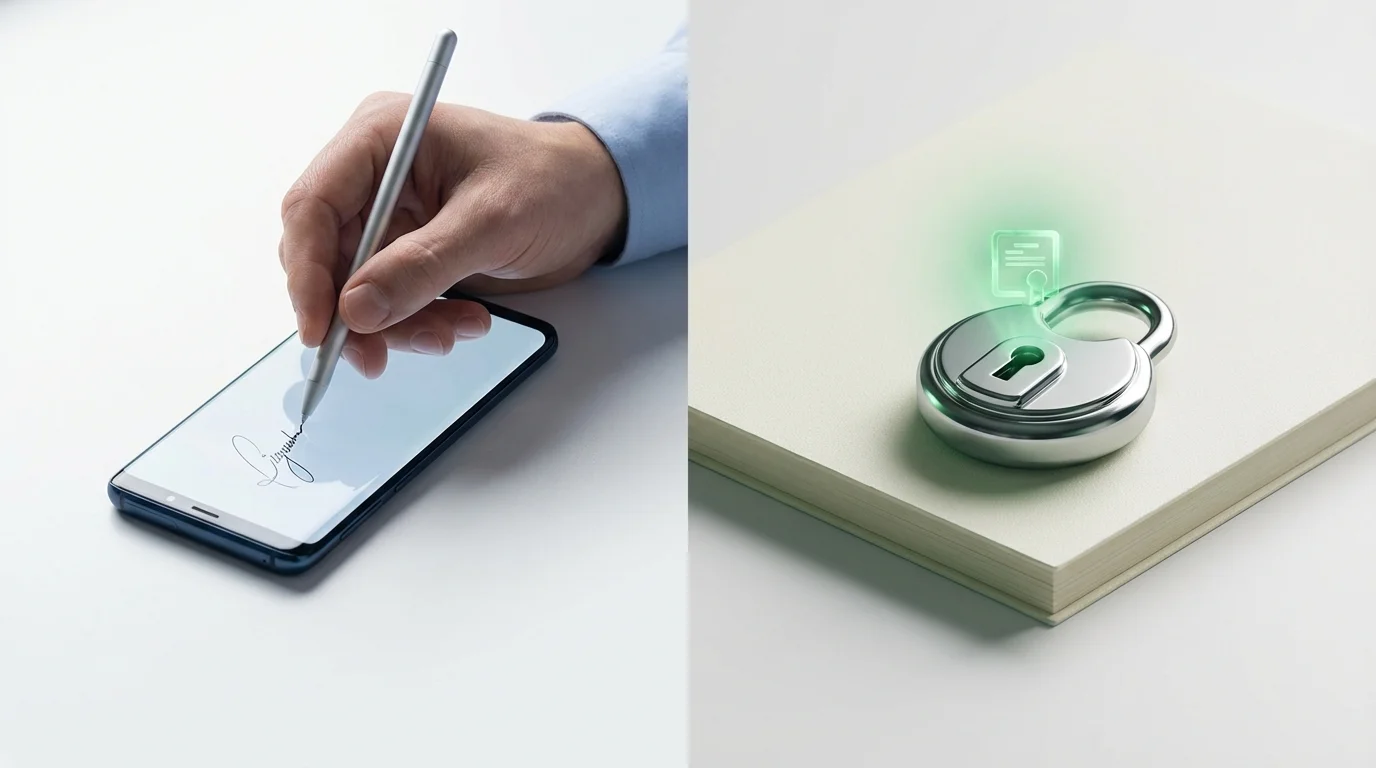
Are electronic signatures legally binding?
Yes, electronic signatures are legally binding in 2026 under federal and international laws, provided they meet specific intent, consent, and record-keeping requirements.
The US ESIGN Act and Uniform Electronic Transactions Act (UETA) establish that contracts cannot be denied legal effect solely because they are executed electronically. However, legal strength depends heavily on metadata. To ensure legal validity, platforms must generate exhaustive audit trails detailing exact timestamps, IP addresses, and multi-factor authentication steps.
According to a 2026 American Bar Association report, 92% of contested e-signature cases are resolved favorably when contracts include cryptographically sealed audit trails. International businesses must navigate regulations like the EU's eIDAS framework. For cross-border agreements, review What Are the 2026 Global E-Signature Regulation Updates?.
Marcus Vance, Director of Compliance at SecureDocs 2026, explains: "The ESIGN Act guarantees enforceability on paper, but actual courtroom protection requires comprehensive audit trails detailing exactly when, where, and how a user interacted with the specific document version."
How to create an electronic signature free?
You can create an electronic signature for free using built-in OS tools like Apple Preview, Adobe Acrobat Reader, or freemium productivity software.
To create an electronic signature in pdf using Adobe Acrobat Reader, open your document, select the "Fill & Sign" tool, and click "Add Signature." Type, draw, or upload a scanned image of your signature. The software applies this mark and flattens the file to prevent modifications.
To create an electronic signature in word, utilize the "Draw" tab or Microsoft Word's "Signature Line" feature under the "Insert" menu. This generates a formal signing line and integrates with Windows Certificate Services for basic digital certificates.
Apple's native markup tool is ideal for personal forms, integrating directly with local files and syncing securely via iCloud. According to Statista, independent contractors utilizing free native OS signing tools save an average of 14 hours monthly. For comprehensive free methods, consult How to Create an Electronic Signature in 2026 (Step-by-Step Guide).
Can I sign a document on my phone?
Yes, you can natively sign documents on any modern smartphone in 2026 with full legal validity using built-in markup tools or dedicated applications.
Knowing how to sign documents on your phone ensures deals close rapidly. Modern smartphones authenticate users via FaceID or fingerprint biometrics before applying signatures, adding a defensible security layer.
To scan and sign a document on iphone, use the native Notes app scanner. Capture the paper, convert it to PDF, and apply your signature via the Markup menu. According to Adobe's 2026 Digital Trends Report, 70% of professional contracts are now opened and signed exclusively on mobile devices.
To verify mobile procedures against compliance standards, read Are Mobile E-Signatures Legally Binding for Contracts in 2026?. Always ensure secure connections and updated software when executing documents remotely.
How to sign a PDF on iPhone?
Signing a PDF on an iPhone is best accomplished using the native Files app's integrated Markup capabilities.
Save the PDF to your iPhone or iCloud Drive. Open the file, tap the "Markup" pen icon, tap "+", and select "Signature." Insert a saved signature or draw a new one, then drag it onto the signature line.
According to Apple Business Enterprise, iOS 19's enhanced security architecture automatically attaches a metadata stamp to documents signed via Markup, proving local alteration by the authenticated owner. Tap "Done" to save the flattened PDF for immediate sharing.
How to sign documents on Android phone?
To sign documents on an Android phone, use the integrated Google Drive PDF viewer or a dedicated signing application.
In Google Drive, open the PDF and tap the pen icon to draw directly on the document. For formal contracts, use an app like Signature Maker to import the file and authorize signature placement. To sign a word document electronically on Android, first "Save As PDF" within the Word app, since native Word formats do not safely lock signature images from subsequent editing.
According to the Cybersecurity & Infrastructure Security Agency (CISA), using dedicated PDF formats for mobile signing prevents 99% of accidental metadata stripping compared to raw word processing files. Always finalize documents into flattened PDFs before sending.
How to send contracts for electronic signature?
To securely send contracts for electronic signature, upload the document to a compliant e-signature platform, assign signer roles, place data fields, and dispatch a secure link.
Managing contract routing via standard email attachments creates compliance vulnerabilities; utilize dedicated electronic signature software to guarantee legal enforceability. Upload your finalized PDF, add recipient emails, and assign specific roles. Drag and drop signature blocks and date fields onto the document before sending.
Platforms like Signature Maker automate workflows and generate mathematically sealed audit trails. According to Forrester Research, organizations using dedicated platforms to send contracts for electronic signature experience a 60% reduction in turnaround time. For post-execution management, read How Do You Securely Store E-Signed Documents in 2026?.

Frequently Asked Questions
How long are digital signatures valid?
Digital signatures remain valid indefinitely if the cryptographic certificate was active at the exact moment of signing. Certificate Authority (CA) certificates usually expire after one to three years for new signatures, but past signatures remain mathematically verifiable.
Do I need a Certificate Authority for everyday contracts?
No. Standard electronic signatures are completely sufficient and legally binding for everyday operations like NDAs and vendor agreements. A Certificate Authority is only strictly necessary when local regulations mandate cryptographic digital signatures, such as in federal filings or property deeds.
Are typed names considered legally binding in 2026?
Yes. Under the ESIGN Act and UETA, typing your name on an electronic document constitutes a legally binding signature, provided there is clear intent to agree and a tracked record of the digital transaction.
Can a mobile electronic signature be forged?
While visual signature images can be copied, modern e-signature platforms track device IPs, OS environments, biometric authentication, and exact server timestamps. This extensive metadata makes forging the comprehensive audit trail exceptionally difficult.
Sources
- Gartner — Research data on corporate legal department adoption rates for cryptographic signatures.
- American Bar Association — Statistical analysis of contested e-signature cases and audit trail enforcement.
- Statista — Market data regarding mobile document workflows and administrative time savings.
- Adobe's 2026 Digital Trends Report — Enterprise reporting on professional contract execution via mobile devices.
- Apple Business Enterprise — Technical documentation on iOS security architecture and local metadata stamping.
- Cybersecurity & Infrastructure Security Agency (CISA) — Federal security advisories regarding document formats and metadata preservation.
- Forrester Research — Industry analysis on automated contract routing and turnaround time reductions.
