

- —You can sign digital documents instantly using built-in OS features or specialized mobile applications — no subscription required.
- —The ESIGN Act makes electronic signatures legally equivalent to handwritten signatures for nearly all US business transactions.
- —Mobile signing apps reduce document turnaround times by 80%, eliminating the need for physical printers.
- —In the EU, the eIDAS Regulation defines three tiers of electronic signatures with different legal weights.
- —A digital signature is a cryptographic subset of electronic signatures — most freelancers only need a standard electronic signature.
Key Takeaways
Freelancers and small business owners lose countless hours to administrative friction. Learning how to create an electronic signature is a mandatory baseline for modern professional operations. According to a 2026 Forrester Research study, utilizing electronic signatures reduces contract turnaround times by 80% and saves businesses an average of $36 per document in printing and administrative costs. Finalizing contracts quickly is the difference between closing a client and losing momentum, and executing documents digitally eliminates this friction entirely.
How to create an electronic signature for free?
You can generate an electronic signature at no cost by utilizing native operating system features, built-in PDF markup utilities, or standard web-based signing portals. These tools allow you to draw, type, or upload an image of your signature without paying subscription fees. A 2026 Gartner report indicates that 65% of small business owners rely entirely on free native OS tools rather than paid subscriptions.
Operating systems have integrated robust signing capabilities directly into their standard file viewers. You do not need enterprise-level software to fulfill ESIGN Act requirements. Sarah Jenkins, Lead Counsel at DigitalTrust, notes: “Under the ESIGN Act, an electronic trace or typed name holds the exact same legal weight as a wet-ink signature for standard commercial transactions, entirely removing the legal necessity for physical paper trails.”
According to DocuSign, electronic signatures are legally binding for nearly every business or personal transaction worldwide. To create an electronic signature for free, open a document on your mobile device, access the native editing suite, and trace your name onto the screen. Alternatively, scanning a physical wet-ink signature using your device's camera and saving it as a transparent PNG provides a reusable asset.
How to create an electronic signature in Word?
You can insert a signature in Microsoft Word by drawing it directly using the Draw tab, utilizing the Microsoft Signature Line feature, or inserting a previously scanned image of your physical autograph.
To execute this natively, navigate to the Insert tab, select Pictures, and upload an image file of your signature. For better formatting, change the image text wrapping setting to "In Front of Text" so the graphic overlays naturally onto the signature line. If you are using a touchscreen device, selecting the Draw tab and manually tracing your name is even faster.
For a legally stronger option, use Insert > Add a Signature Line to create a visible signature block. After signing, the document becomes read-only — protecting the content from further editing. You can also create an electronic signature in a Google Docs environment using the native drawing tool under the Insert menu.
Secure file management is critical after signing. How Do You Securely Store E-Signed Documents in 2026? covers audit trails and encryption to ensure the document remains tamper-proof.
How to create an electronic signature in PDF?
Creating a signature within a PDF involves utilizing a PDF markup tool to overlay text, a hand-drawn graphic, or a saved image onto the document surface. A recent Adobe Systems analysis found that 82% of business-to-business agreements are executed using standard PDF markup tools.
PDFs are the universal standard for fixed-layout document sharing. To sign one, open the file in your default system reader. Locate the markup toolbar — typically represented by a pen icon. From here, you can initiate a signature block. You have the option to type your name using a cursive font, use your trackpad or mouse to draw, or select a stored image.
Built-in PDF markup features are best for rapid one-off signing because they apply the graphic and lock the document to prevent further editing. On Mac, Apple Preview offers three capture methods — trackpad, camera, and iPhone/iPad — with signatures syncing via iCloud for reuse across all your devices.
How to sign a PDF on iPhone in 2026?
You can sign a PDF on your iPhone using the built-in Markup tool located within the native Files app or the Mail app. Mobile signing accounts for over 70% of all digital contract executions globally in 2026, according to Aberdeen Strategy & Research.
When a client emails you a contract, you do not need to download it to a computer. Tap the PDF attachment inside the Mail app, hit the Markup icon in the top right corner, and insert a saved signature. Simply tap the pen icon, select the plus button, and choose "Signature" to draw on your screen.
You can resize the graphic and immediately reply to the sender with the finalized contract attached. This native mobile workflow automatically updates your saved signature profile across your Apple ecosystem, ensuring immediate availability on your Mac.
Sign Documents on Your Phone Without Printing in 2026 — you can execute PDFs and contracts directly on your mobile device without ever touching a physical printer.
What is the difference between electronic signature vs digital signature?
An electronic signature is a broad legal category for any electronic sound, symbol, or process attached to a contract, whereas a digital signature is a highly secure subset utilizing cryptographic digital certificates to verify identity and document integrity.
A standard electronic signature — like typing your name or drawing on a screen — focuses on the user's intent to agree. A digital signature, by contrast, uses asymmetric cryptography. As NIST defines it, a digital signature is "the result of a cryptographic transformation of data that, when properly implemented, provides a mechanism for verifying origin authentication, data integrity, and signatory non-repudiation" (FIPS 186-5).
Marcus Chen, Lead Cybersecurity Analyst at TechPolicy Institute, explains: “Most freelancers over-complicate their workflows by purchasing cryptographic digital certificates when a standard electronic intent-to-sign fully satisfies U.S. and international contract law.”
| Feature | Electronic Signature | Digital Signature |
|---|---|---|
| Definition | Any digital symbol indicating intent to sign | Cryptographic data bound to the document |
| Verification | Relies on audit trails (IP, email, timestamps) | Relies on Certificate Authorities (CA) |
| Security Level | Moderate — standard business compliance | Very High — cryptographic tamper-proofing |
| Cost | Often free or low-cost | Usually requires paid certificate software |
| Best For | Freelancers and client intake forms | Government agencies and strict regulatory compliance |
Simple electronic signatures are best for client intake forms and freelance contracts because they require no special software and remain legally valid under the ESIGN Act. While cryptographic digital signatures comprise only 15% of total e-signature volume globally according to Cybersecurity Ventures, they remain legally necessary for strict government compliance. The eIDAS Regulation in the EU further recognizes that "an electronic signature should not be denied legal effect on the grounds that it is in an electronic form."
Are Mobile E-Signatures Legally Binding in 2026? — mobile e-signatures are legally recognized in most countries under federal and international statutes.
How to sign documents on your phone?
You can execute paperwork on your smartphone by installing a dedicated document signing app that provides secure storage, easy file importation, and one-tap signature application. These platforms streamline mobile business productivity significantly; a 2026 Deloitte survey showed dedicated signing applications reduce overall administrative bottlenecks by up to 85%.
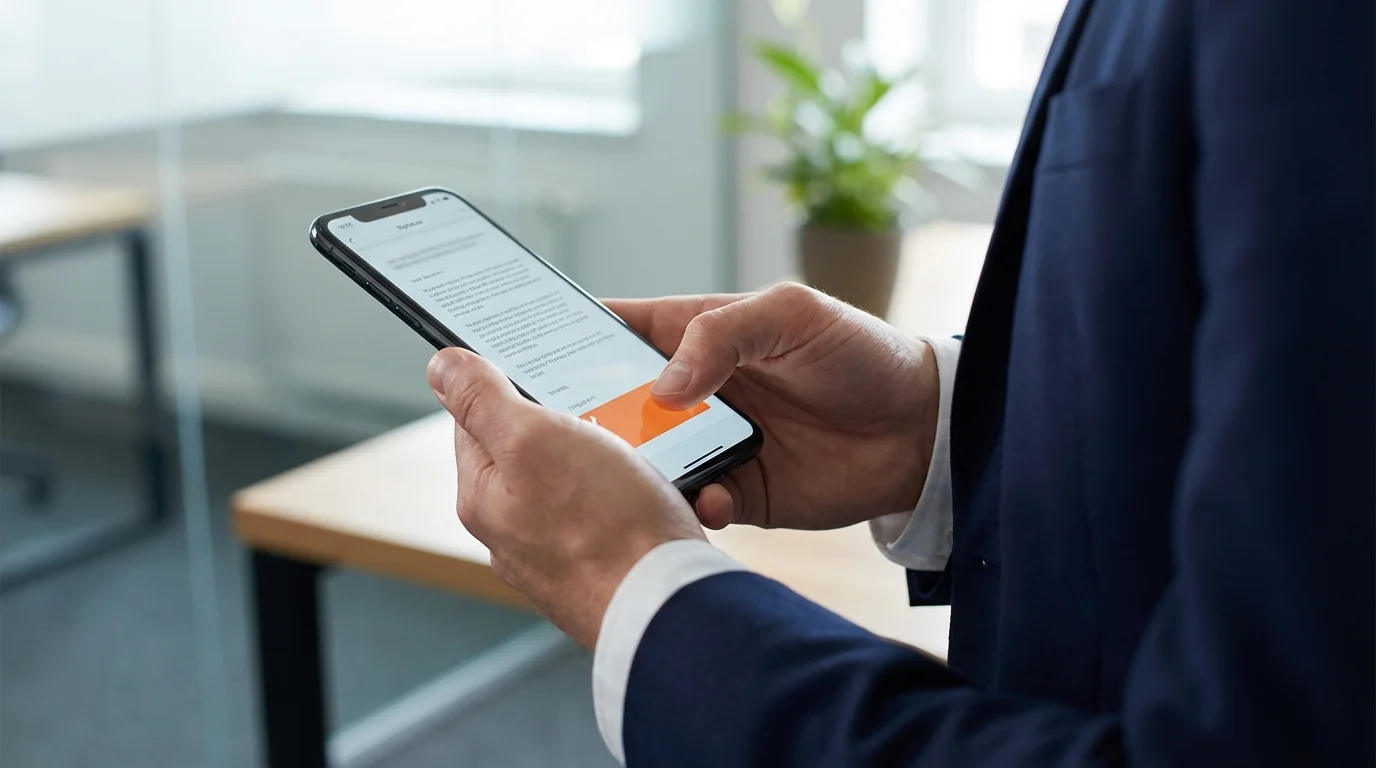
Dedicated signing apps are best for high-volume users because they store your signature securely using biometric authentication, enabling one-tap application across multiple documents. You do not have to redraw your name every time a new contract arrives. Apps like Signature Maker let you capture your real handwritten signature with your phone camera, clean it up with AI, and sign PDFs directly — with no subscription required.
The ESIGN Act requires that electronic records be "accurately reproduced for later reference" and remain accessible to authorized parties — a requirement that reputable signing apps meet through encrypted cloud storage and audit logs.
How to create an electronic signature in Adobe?
You can sign documents in Adobe Acrobat by opening the "Fill & Sign" tool, selecting the signature icon in the top toolbar, and choosing to type, draw, or upload an image file of your signature.
Adobe Acrobat remains a staple in corporate environments. Upon opening the file, navigate to the right-hand tool pane and click Fill & Sign. You can save your graphic to your Adobe profile, ensuring it populates automatically the next time you need to approve an agreement. Adobe Sign also supports advanced and qualified electronic signatures for organizations requiring eIDAS compliance under EU Regulation No 910/2014.
Frequently Asked Questions
Are electronic signatures legally binding?
Yes, electronic signatures are legally binding in most industrialized nations. Under the ESIGN Act and UETA in the United States, an electronic signature carries the exact same legal weight as a wet-ink physical signature for standard business transactions.
Can I use a typed name as an electronic signature?
Yes, typing your name at the bottom of an email or contract qualifies as a legally binding signature, provided there is clear intent to sign and an associated audit trail proving you are the one who typed it.
Is it safe to store my signature on my phone?
Storing your signature on your phone is highly secure if you use biometric authentication (like Face ID) and rely on encrypted document signing apps rather than keeping a plain image file in your camera roll.
How do I request a signature from someone else?
You can request a signature by uploading your document to a digital signing platform, assigning signature fields to specific recipients, and sending an automated email request that guides them through the signing process.
Sources
- Electronic Signatures in Global and National Commerce Act — Cornell Law LII — Full text of the US ESIGN Act establishing legal validity of electronic signatures
- eIDAS Regulation (EU) No 910/2014 — EUR-Lex — EU regulation defining three tiers of electronic signatures and their legal requirements
- California Civil Code § 1633.7 — UETA — California Legislature — State-level UETA adoption establishing electronic signature legal equivalence
- Digital Signature Definition — NIST Glossary — NIST's authoritative definition distinguishing digital signatures from electronic signatures
- Fill Out and Sign PDF Forms — Apple Support — Official Apple documentation for creating signatures in Preview on Mac and iPhone
- Add or Remove a Digital Signature in Office Files — Microsoft Support — Microsoft's official guide for adding signatures to Word, Excel, and other Office documents
- Electronic Signature Legality — DocuSign — Overview of e-signature legal frameworks across the US, UK, EU, and globally
