

- —Locally saved e-signed documents retain legal validity provided you do not alter the cryptographic file metadata.
- —End-to-end encrypted cloud storage is the safest environment for protecting sensitive business agreements.
- —The 3-2-1 backup strategy prevents permanent data loss during ransomware attacks or accidental deletions.
- —Electronic signature platforms are transaction tools, not permanent archives—always download your finalized PDFs immediately.
- —Standardized file naming conventions drastically reduce the time spent searching for past contracts.
Key Takeaways
Storing an e-signed contract safely is critical. You need a system ensuring legal compliance, instant access, and protection against data loss. Here is how to store e-signed documents securely in 2026.
Are e-signed documents legally binding if saved locally?
Yes, locally saved e-signed documents retain their legal validity provided the original digital signature cryptographic elements and audit trails remain perfectly intact.
Moving a signed PDF from an e-signature platform to your local hard drive does not strip the document of its legal standing under ESIGN Act compliance standards. The legal weight resides in the embedded cryptographic hash, not the server. Under 15 U.S.C. § 7001 (the ESIGN Act), a contract may not be denied legal effect solely because an electronic signature was used in its formation. If you alter the file locally, the cryptographic seal breaks.
While saving to a local desktop is legal, it places a heavy security burden on you. As Sarah Jenkins, Chief Legal Officer at ContractSafe, explains: "A local file is perfectly legal, but the burden of proving it has not been tampered with since the signature date shifts entirely to your internal IT controls." Restrict file permissions to "read-only" immediately after downloading to preserve digital audit trails.

Where is the safest place to store electronic contracts?
The safest environment for electronic contracts and the legal storage of electronic signatures is a dedicated cloud storage service featuring end-to-end encryption.
When deciding where to keep electronic signatures, moving your contracts to a secure cloud environment provides physical redundancy. According to the IBM Cost of a Data Breach Report 2025, misconfigured cloud environments remain one of the top root causes of data breaches for organizations of all sizes. A zero-knowledge encrypted vault is best for sensitive IP because it prevents the service provider from accessing your proprietary data.
Finding the best e-signature storage 2026 offers requires prioritizing platforms that provide immutable storage (WORM). This physically prevents files from being overwritten. For secure e-signed contract storage on consumer platforms like Google Workspace, you must enable two-factor authentication and disable public link-sharing. Google Workspace is best for freelancers managing standard client agreements because it balances cost-efficiency with baseline security controls. According to Gartner, a documented cloud strategy with defined access governance is essential for preventing unauthorized data exposure.
Furthermore, treat electronic signature platforms as temporary transaction hubs, not permanent archives. E-signature vendors are transaction facilitators, not document custodians — their terms of service frequently limit data retention to the active subscription period. Downloading your documents immediately is best for long-term compliance because it breaks your dependency on a vendor's uptime. If you are seeking the best document storage for freelancers, rely on a dedicated repository you own.
How long should businesses keep e-signed documents?
Small businesses should retain most e-signed business contracts for three to seven years after the agreement expires, depending on state-specific statutes.
Establishing strict document retention policies mitigates legal risk. According to the Internal Revenue Service (IRS), employment tax records must be kept for at least four years after the date the tax becomes due or is paid. Conversely, commercial liability policies often dictate retention periods up to ten years.
"Never treat your document archive as a permanent dumping ground," warns Marcus Thorne, Compliance Director at DataGuard. "Holding contracts longer than legally necessary simply increases your liability surface." Utilize metadata tags indicating the required deletion date to manage this systematically.
What is the best way to organize signed contracts?
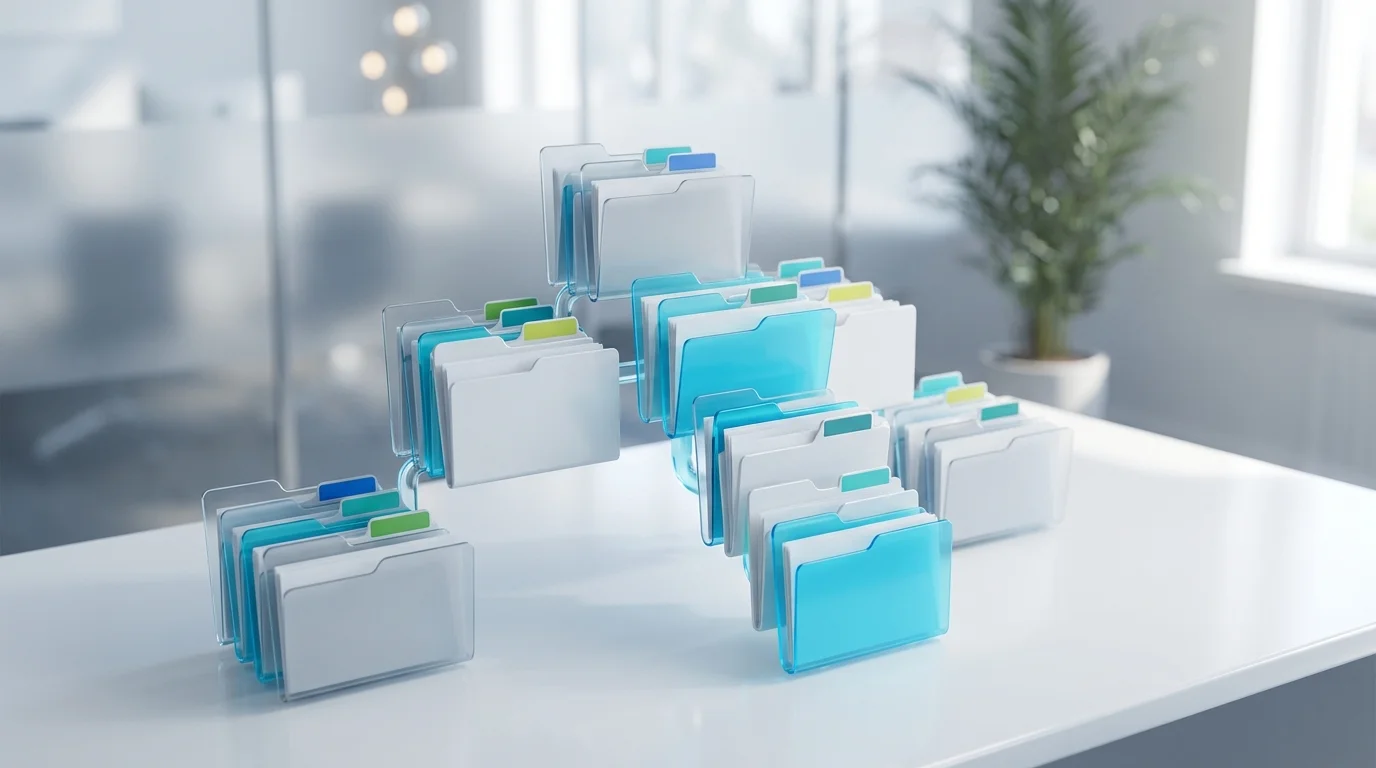
The most efficient organization method utilizes a standardized file naming convention combined with a strict folder hierarchy based on client name, project type, and signature year.
Retrieving a specific contract during an audit wastes billable hours without a rigid system. According to McKinsey & Company, employees spend nearly 20 percent of their workweek searching for internal information and tracking down colleagues. Implementing a predictive structure instantly resolves this friction.
| Organization Method | Best Used For | Primary Advantage | Primary Drawback |
|---|---|---|---|
| Folder Hierarchy | Small businesses & freelancers | Highly intuitive and visual | Folders can become deeply nested |
| Metadata Tagging | Enterprise document software | Allows complex searches | Requires specialized software |
| Flat List & Search | Temporary or minor files | Zero setup time required | Impossible to browse visually |
A standardized naming taxonomy is best for rapid retrieval because it allows desktop algorithms to instantly pinpoint files. Use this precise structure: [YYYY-MM-DD]_[ClientName]_[AgreementType]_Signed.pdf.
How do you backup e-signed documents securely in 2026?
Implement the 3-2-1 backup rule: maintain three total copies of your electronic signatures across two storage media, with one stored securely off-site.
Relying on a single cloud drive is a catastrophic vulnerability. The IBM and Ponemon Institute Cost of a Data Breach Report confirms that accidental data loss and misconfiguration consistently rank among the top causes of unrecoverable business data loss — underscoring why redundant backups are essential.
If you generate contracts on the go, effectively managing signed pdfs on mobile requires immediate offloading via an internal document management tool. Configure devices to automatically export finalized PDFs to an encrypted cloud folder the moment the signature is applied. From there, mirror that cloud folder to a disconnected external hard drive weekly.
Frequently Asked Questions
How do I verify an e-signature after storing it?
Open the PDF in a certified reader like Adobe Acrobat to check the signature panel. It will display a green checkmark if the digital certificate remains valid and the document is untampered.
Can I delete physical copies after e-signing?
Yes. Under the ESIGN Act, electronic records carry the exact same legal weight as paper copies. You can safely shred physical versions once the digital file is backed up securely.
What happens if my cloud storage provider goes out of business?
If you follow the 3-2-1 backup strategy, you will have secondary offline copies stored elsewhere. Never rely solely on a single vendor for holding your legally binding agreements.
Do freelancers need specialized document management software?
Not necessarily. While enterprise software offers advanced metadata tagging, a highly organized, encrypted consumer cloud drive is entirely sufficient for most independent contractors.
Sources
- 15 U.S.C. § 7001 — ESIGN Act (Cornell Law) — Federal statute establishing the legal validity of electronic signatures and records.
- IBM Cost of a Data Breach Report 2025 — Annual report co-authored with Ponemon Institute on top breach causes including cloud misconfiguration and data loss.
- Internal Revenue Service — How Long Should I Keep Records? — Federal guidelines on employment tax and business record retention periods.
- Gartner — Cloud Strategy — Guidance on cloud access governance and risk mitigation for organizations.
- McKinsey Global Institute — The Social Economy — Research finding employees spend nearly 20% of their workweek searching for internal information.
- Verizon 2025 Data Breach Investigations Report — Annual analysis of real-world breach patterns across organizations of all sizes.
